
Many car owners want to stream music, make hands-free calls, or use navigation apps through their factory radio. But most cars made before 2012 do not come with built-in Bluetooth. Installing a Bluetooth adapter is the easiest way to modernize your car’s audio system—without replacing the original radio. This guide will walk you through every step, from choosing the right adapter to troubleshooting problems. Even if you have never worked with car electronics, you can do this upgrade with a little patience.
Why Install A Car Bluetooth Adapter?
Modern drivers expect more than just AM/FM radio. Bluetooth lets you play music, answer calls, and use voice assistants—all without taking your hands off the wheel. Here’s why adding a Bluetooth adapter to your factory radio is a smart move:
- Safer driving: Hands-free calling keeps your focus on the road.
- Better music options: Stream playlists and podcasts from your phone.
- No wires: No need for messy cables or extra devices on the dash.
- Keep your car’s look: No need to install an aftermarket stereo that doesn’t fit your dashboard design.
Many people don’t realize how easy and affordable this upgrade is. Prices range from $15 to $100, and you can install most adapters in under an hour.
Types Of Car Bluetooth Adapters
Understanding the different types of adapters is important. Not every product works with every car or radio. Here are the main options:
| Type | How It Works | Pros | Cons |
|---|---|---|---|
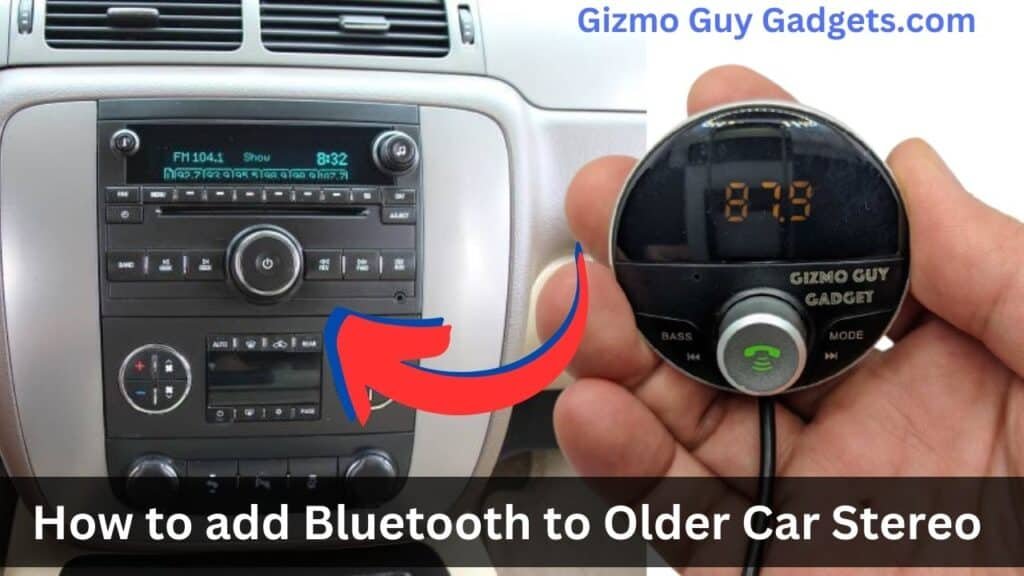
| FM Transmitter | Broadcasts Bluetooth audio to a radio station you tune your radio to. | Universal, easy to install | Lower sound quality, possible interference |
| AUX-In Adapter | Plugs into your radio’s AUX input, streams sound directly | Better sound, simple connection | Requires AUX port, not all cars have one |
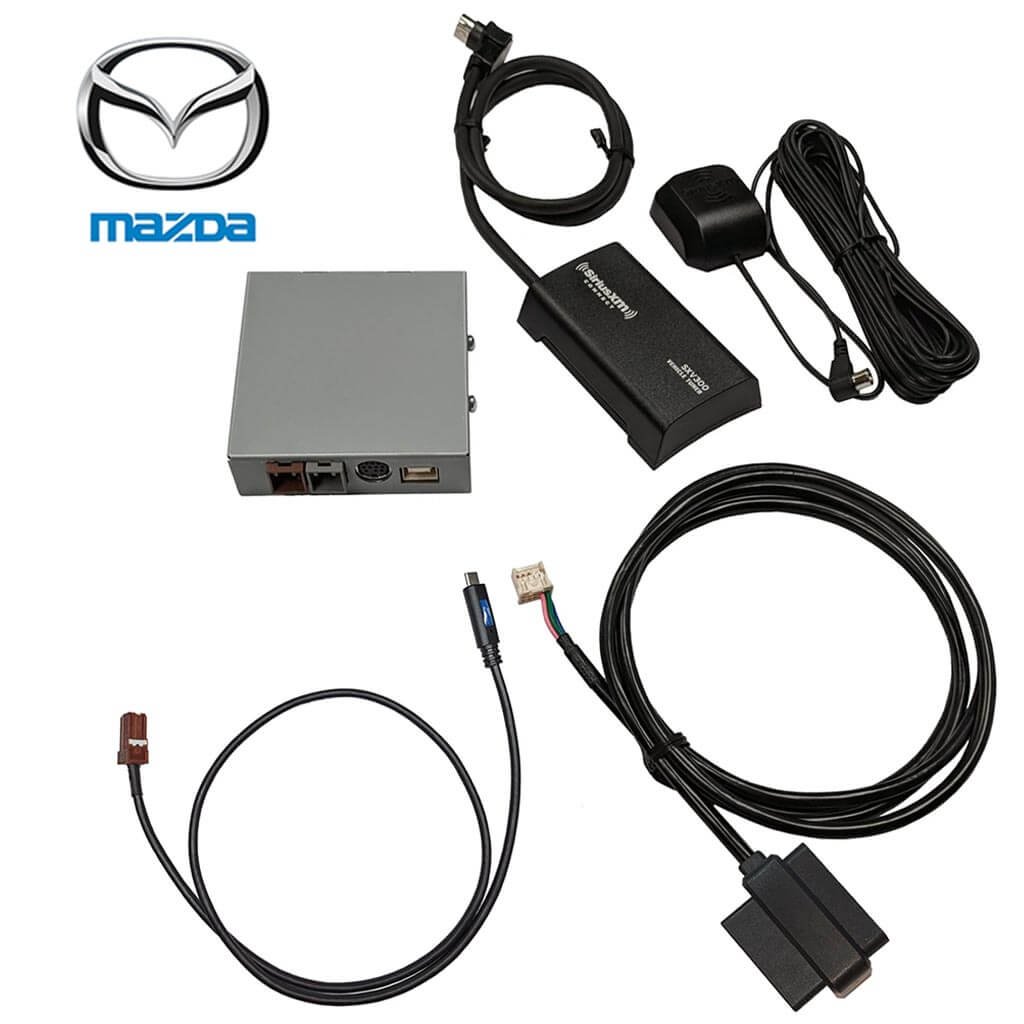
| CD Changer Emulator | Connects to the back of the radio, uses CD changer port | Factory-level integration, best sound | More complex installation, car-specific |
| USB Bluetooth Adapter | Plugs into USB port, streams audio and sometimes charges | Easy to use, dual function | Requires USB port, not all radios have one |
Most drivers choose either the FM transmitter (for quick setup) or the AUX-in adapter (for better sound). If you want a seamless look and sound, the CD changer emulator is best, but it takes more effort.
What You Need Before Starting
Gather everything before you begin. This saves time and frustration later:
- The right Bluetooth adapter (matched to your car and radio)
- Basic tools: Screwdriver, panel removal tool, flashlight
- Your car’s manual (for radio removal steps)
- Phone with Bluetooth
- Cable ties (for neat wiring)
- Patience—rushing can break clips or connectors
A common mistake: buying the wrong adapter. Always check your car’s make, model, and radio type before ordering. Many sellers list compatible vehicles online.
Step-by-step Installation: Fm Transmitter
The FM transmitter method is the simplest. Here’s how to do it:
- Plug in the adapter: Most FM transmitters go into the cigarette lighter or power socket.
- Set the frequency: Choose an unused FM station on your car radio. Set the adapter to broadcast on the same frequency.
- Pair your phone: Enable Bluetooth on your phone. Find the adapter’s name in the Bluetooth menu and connect.
- Test audio: Play music or make a call. Adjust your phone’s volume and your car radio’s volume as needed.
Practical tip: In crowded cities, finding a clear FM frequency can be tricky. Drive to a quiet area first, or look up local unused frequencies online.
Credit: www.xm-radio-satellite.com
Step-by-step Installation: Aux-in Bluetooth Adapter
If your car has an AUX port (often labeled “AUX” or shown with a headphone symbol), you can use this adapter for better sound.
- Plug in the adapter: Insert the adapter’s AUX cable into your car’s AUX port.
- Power the adapter: Most use USB for power. Plug into a USB port or use a USB car charger.
- Pair your phone: Turn on Bluetooth and connect to the adapter.
- Select AUX input: Change your radio’s source to AUX.
- Test the connection: Play audio and adjust volumes.
A common beginner mistake: forgetting to select the AUX input. If you don’t hear sound, double-check the radio source.
Step-by-step Installation: Cd Changer Port Bluetooth Adapter
This method gives the cleanest sound but is more complex. You’ll need to remove the radio to access the CD changer port.
Removing The Factory Radio
- Disconnect the battery: Safety first—remove the negative cable from your car’s battery.
- Remove dashboard panels: Use a plastic trim tool to avoid scratches. Follow your car’s manual.
- Unscrew the radio: Keep screws safe for reinstallation.
- Gently pull out the radio: Don’t tug; check for cables attached at the back.
Installing The Adapter
- Find the CD changer port: Usually a rectangular plug at the back of the radio.
- Plug in the adapter: Connect the adapter cable to the port.
- Route wires: Tuck the cable under trim panels, leading the microphone (for calls) to a spot near your head.
- Reconnect the radio: Slide it back, reinstall screws and trim.
- Reconnect the battery: Turn the car on.
- Pair your phone: Connect via Bluetooth.
- Test calls and music: Make sure both work from the steering wheel controls (if supported).
One insight: Many adapters support steering wheel buttons for track skip and volume. Test these, as wiring errors or loose connectors can cause them to fail.
Step-by-step Installation: Usb Bluetooth Adapter
If your factory radio has a USB port, this is even simpler.
- Plug in the adapter: Use the factory USB port.
- Pair your phone: Find the adapter in your Bluetooth menu.
- Select USB input: Switch your radio to USB mode.
- Test the system: Play music or call someone.
Note: Some factory USB ports are “charge only” and won’t support audio adapters. Check your manual or test with a USB flash drive first.
Tips For A Clean And Safe Installation
- Hide wires: Use cable ties and route wires under trim for a factory look.
- Position the microphone: For hands-free calls, put the mic near your head (sun visor or A-pillar).
- Test before reassembling: Always check everything works before snapping trim back in place.
- Update firmware: Some adapters allow firmware updates via USB for better performance.
Troubleshooting Common Problems
Bluetooth adapters usually work well, but sometimes things go wrong. Here are quick solutions:
- No sound: Check radio source (AUX, USB, FM). Make sure phone volume is up.
- Static or interference: Try a different FM frequency or move the adapter.
- Can’t pair: Delete the adapter from your phone’s Bluetooth list and retry.
- Calls not working: Check if the microphone is connected and positioned correctly.
- Adapter not powering up: Test the socket with another device (like a phone charger) to confirm power.
Extra insight: On some vehicles, the radio must be coded (using a dealer tool) to enable the CD changer port after installation. If nothing works after following instructions, check if this applies to your car model.
Data: How Does Sound Quality Compare?
Here’s a quick look at how each adapter type rates for sound quality:
| Adapter Type | Sound Quality | Notes |
|---|---|---|
| FM Transmitter | Fair | May hear static or radio noise |
| AUX-In | Good | Close to CD quality, but not perfect |
| CD Changer Emulator | Excellent | Best for audiophiles |
| USB Bluetooth Adapter | Good to Excellent | Depends on radio’s USB support |
For most drivers, AUX-in or CD changer emulators give the best balance of quality and ease. FM transmitters are fine for talk radio or podcasts, but music lovers may notice the difference.
Credit: www.xm-radio-satellite.com
Comparing Cost And Installation Difficulty
Not all adapters cost the same or require the same effort. Here’s a simple table to help you decide:
| Adapter Type | Price Range | Install Difficulty | Time Needed |
|---|---|---|---|
| FM Transmitter | $15 – $40 | Very Easy | 5 minutes |
| AUX-In | $20 – $50 | Easy | 10 minutes |
| CD Changer Emulator | $40 – $100 | Medium to Hard | 30-60 minutes |
| USB Bluetooth Adapter | $10 – $30 | Very Easy | 5 minutes |
Safety And Legal Considerations
Hands-free calling helps you follow the law in many places. Some states or countries fine drivers for holding a phone. But remember:
- Do not adjust your phone while driving. Set up calls or music before starting.
- Some Bluetooth adapters have built-in buttons for answering calls. Learn these functions before you drive.
- Always keep your focus on the road, even with hands-free features.
If you want more information about Bluetooth standards and road safety, check the National Highway Traffic Safety Administration.
Real-world Example: 2010 Toyota Camry
Let’s look at a common case: upgrading a 2010 Toyota Camry with a factory radio.
- This car has an AUX port in the center console.
- Best adapter: AUX-in Bluetooth adapter. Most plug into the port and USB charger.
- Installation time: About 10 minutes.
- Bonus: Steering wheel controls will still change volume, but may not skip tracks unless you use a CD changer emulator.
Many Camry owners report that the biggest challenge is hiding wires. Use the gap between the console and seats to hide cables for a cleaner look.
Frequently Asked Questions
How Do I Know Which Bluetooth Adapter Fits My Car?
Check your radio’s available ports (AUX, USB, CD changer). Look up your car’s make, model, and year when shopping. Many sellers list compatible vehicles. If unsure, search for car forums or ask the seller directly.
Will Installing A Bluetooth Adapter Void My Car Warranty?
No, most adapters are plug-and-play and do not cut or change the factory wiring. For leased cars or new vehicles, use FM transmitters or AUX adapters to avoid opening panels.
Can I Install A Bluetooth Adapter Without Removing The Radio?
Yes—FM transmitters, AUX-in, and USB adapters do not require removing the radio. Only CD changer emulators usually need you to access the back of the radio.
Why Is There Static Or Noise When I Use An Fm Transmitter?
FM transmitters can pick up interference from other stations or electronic devices. Try different frequencies, or move the adapter to another power socket. If the problem continues, consider an AUX-in or CD changer adapter.
Can I Use My Steering Wheel Controls With A Bluetooth Adapter?
Most basic adapters do not support steering wheel controls. CD changer emulators often do, but check the product details. Some adapters allow limited control (like volume up/down), but not track skipping.
Upgrading your factory radio with a Bluetooth adapter is one of the best ways to enjoy modern features without losing your car’s original look. With the right product and a careful installation, you can enjoy hands-free calls, music streaming, and safer driving in less than an hour. This upgrade adds convenience, value, and enjoyment to almost any car.
Credit: www.gizmoguygadgets.com