
Car diagnostic tools have changed how we maintain and repair vehicles. With just a small device and a smartphone, anyone can scan their car for issues that once needed a professional mechanic. But using these tools is not always as simple as it looks.
Many car owners, and even some mechanics, make mistakes that lead to wasted time, wrong repairs, and bigger problems later. If you want to get the most from your car diagnostic tool and avoid expensive errors, it’s important to understand where most people go wrong.
This article explains the most common mistakes when using car diagnostic tools. You’ll find clear explanations, helpful examples, and insights you might not hear at the auto shop. Whether you’re a beginner or have some experience, these tips will help you use your tool with confidence and avoid trouble.
Not Reading The Manual
Many users skip the manual, thinking the device is simple. Each diagnostic tool works a bit differently. Some connect by Bluetooth, others by cable. Some show codes directly, while others need an app. Not reading the manual means you might miss important features or misuse the device. For example, some tools need the car to be off before connecting, while others require the ignition to be on. Following the wrong steps can cause errors or even damage your tool. Always spend a few minutes with the manual before your first use.
Using The Wrong Diagnostic Tool For Your Vehicle
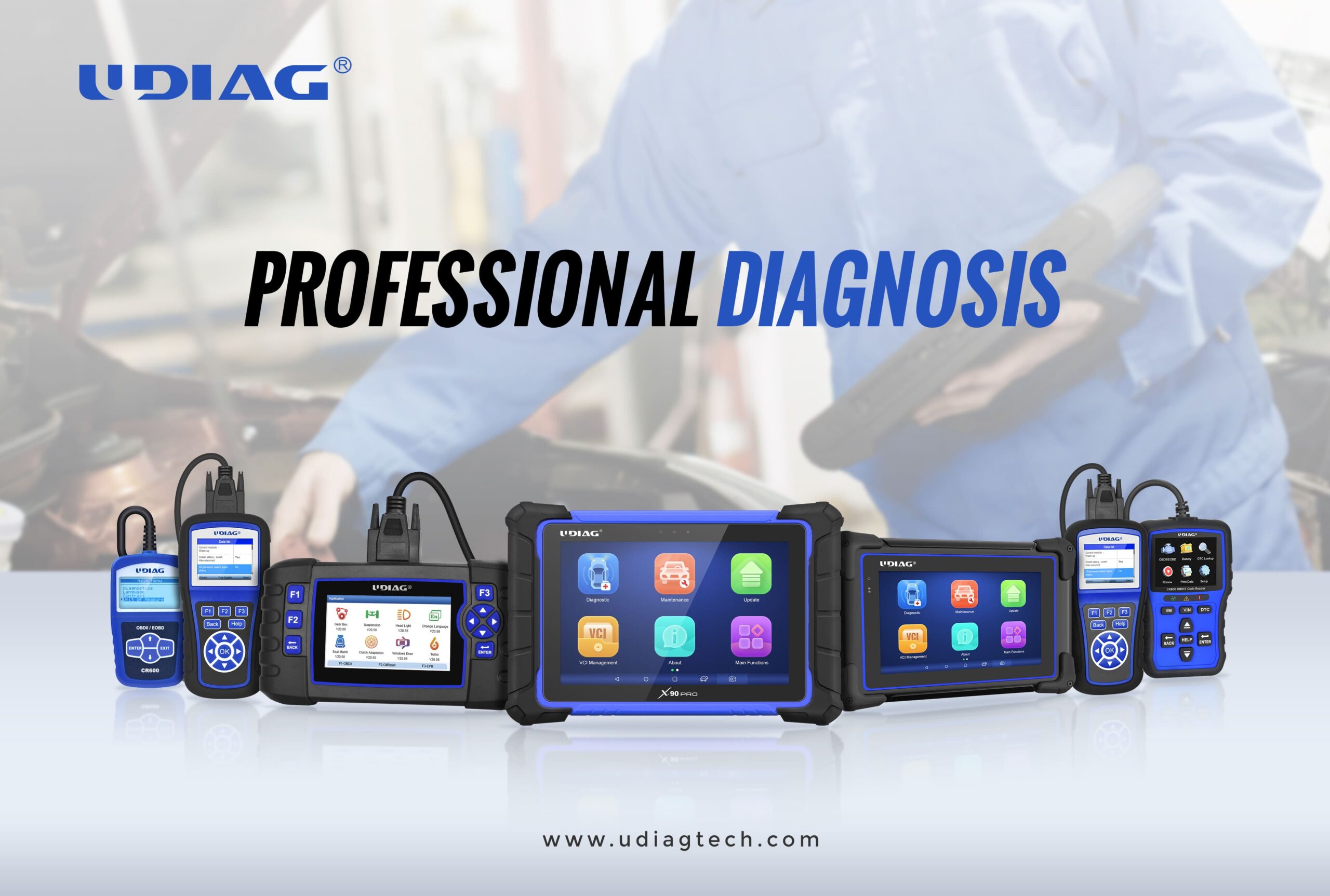
Not all diagnostic tools work with every car. Some only support OBD2 vehicles, usually made after 1996 in the US or 2001 in the EU. Others are designed for certain brands or have special features for hybrid or electric cars. Using the wrong tool can mean missing important codes or getting false readings. Check your car’s year and make, and match it with your tool’s compatibility list. Never assume that “one size fits all” applies to car diagnostics.
Credit: www.udiagtech.com
Ignoring Software Updates
Car diagnostic tools often use software or apps. Manufacturers release updates to fix bugs, add new car models, and improve features. Ignoring updates can cause outdated code libraries. This means your tool might not recognize new error codes or misread data. Some tools update automatically, but many require manual downloads. Check for updates every few months to keep your device accurate.
Misinterpreting Diagnostic Codes
Reading a code is just the start. For example, a P0171 code means “system too lean,” but it does not tell you the exact cause. Many users see a code and jump to a fix without understanding the real problem. Each code often has many possible causes. Always research what a code means for your car’s make and model. Look for symptoms, possible causes, and the most common fixes. Never replace parts just because a code appears; investigate further.
Clearing Codes Without Fixing The Problem
Some tools let you erase codes easily. This can be tempting because it makes the “check engine” light disappear. But clearing codes without solving the root problem is a big mistake. The issue will usually come back, and sometimes the car’s system needs the stored data for proper repair.
Only erase codes after fixing the issue and confirming it’s resolved.
Not Following Proper Connection Steps
Connecting the tool the wrong way can cause damage or bad readings. For example, plugging in the device while the car is running, or pulling it out while data is being transmitted, can cause issues. Most tools need the ignition on but the engine off for a safe connection. Always check the steps: car off or on, park or neutral gear, and secure connection. Poor connection is a common cause of false readings.
Failing To Record Codes And Data
After scanning, many people forget to write down the codes or save the data. This information is valuable, especially if you need to consult a mechanic or track recurring issues. Many tools have a “save” or “export” feature. Take notes, screenshots, or save reports.
This will help you spot patterns and share details with professionals if needed.
Over-reliance On The Tool
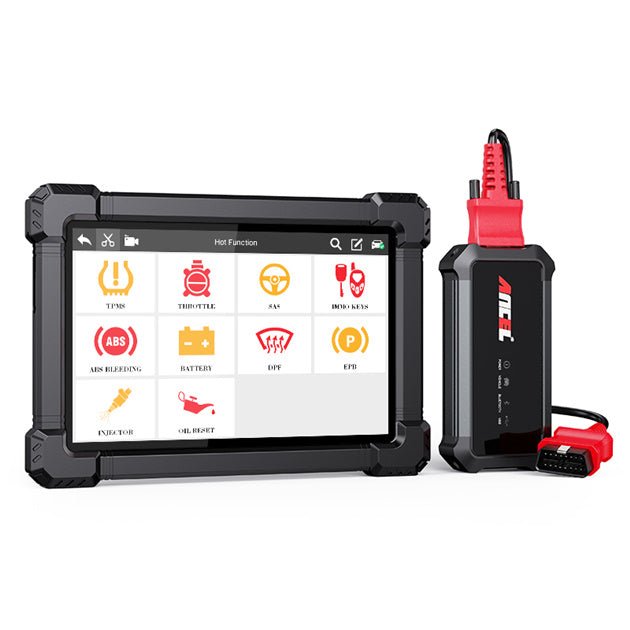
A diagnostic tool is not a magic fix. It points you in the right direction but does not always tell the full story. For example, a code about the oxygen sensor could mean a bad sensor, a wiring issue, or a problem with the catalytic converter. Always combine the tool’s results with other checks: listen to the engine, look for leaks, and consider recent changes. Relying only on the tool can lead to unnecessary part replacements and missed issues.
Credit: www.ancel.com
Using Cheap Or Unreliable Tools
There are many cheap diagnostic tools online. Some work well, but many do not. Low-quality tools can give false codes, fail to connect, or even damage your car’s onboard computer. It’s better to invest in a mid-range or trusted brand, especially if you plan to use it often. Read reviews, check for certifications, and avoid “no-name” devices.
Not Checking For Manufacturer-specific Codes
Many cars have manufacturer-specific codes that general tools might not read. For example, a Honda may have unique codes not listed in basic OBD2 readers. If you only use a generic tool, you might miss hidden problems. If your car is showing symptoms but no codes appear, consider a more advanced scanner or visit a dealer-level tool.
Credit: tendsupplies.com
Skipping Live Data Functions
Modern diagnostic tools can show live data—real-time readings from sensors like temperature, speed, or air-fuel ratio. Many users ignore this feature and only read stored codes. Live data can help you find intermittent issues or see if a fix is working. For example, you can watch the oxygen sensor during a test drive. Learn to use live data, not just code reading.
Overlooking Freeze Frame Data
When a code is stored, most cars also save a “freeze frame” snapshot of the car’s status at the moment the problem happened. This can include speed, engine temperature, and sensor values. Beginners often ignore this, but freeze frame data can give clues about what triggered the code.
Always review freeze frame info if your tool supports it.
Failing To Disconnect The Tool Properly
Removing the tool incorrectly can cause problems. Some users just pull out the device with the ignition on or while the car is running. This can cause voltage spikes or corrupt the car’s memory. Turn off the ignition, wait a few seconds, and then remove the tool. Follow the manual’s advice for safe disconnection.
Not Considering Environmental Factors
Sometimes, codes are triggered by outside factors like extreme cold, low battery voltage, or recent repairs. If you scan right after a battery change, you might see false codes. Always consider recent events and the environment before jumping to repairs.
Clear the codes, drive for a few days, and scan again to confirm real issues.
Misunderstanding “pending” Codes
Some diagnostic tools show “pending codes,” which mean the car’s computer noticed something odd but is waiting to see if it happens again. Many users treat pending codes as urgent, but they may go away on their own. Monitor them over a few days before taking action.
Only act if a code becomes “confirmed” or is linked to real symptoms.
Ignoring Service Bulletins And Recall Information
Manufacturers often release technical service bulletins (TSBs) or recall notices for common issues. Beginners may chase codes without knowing that a problem is a known issue with a free fix. Always check for TSBs or recalls related to your code. Sites like the National Highway Traffic Safety Administration can help you check for free repairs.
Using The Tool On A Low Battery
Scanning with a weak car battery can cause communication errors or incomplete readings. Some tools even draw power from the car’s battery, making things worse. Make sure your battery is healthy and fully charged before scanning. If the battery is low, charge it or use a battery maintainer during diagnostics.
Not Resetting The Readiness Monitors After Repairs
After you fix an issue and clear codes, the car’s computer needs to run self-checks to confirm everything is working. These are called readiness monitors. Beginners often forget to check that monitors reset to “ready.” If you go for a smog check too soon, you might fail because monitors are not set. Drive your car for a few days and rescan to make sure monitors are “ready” before inspection.
Comparing Basic And Advanced Diagnostic Tools
Not all diagnostic tools are equal. Here’s a quick comparison to help you pick the right one for your needs:
| Feature | Basic OBD2 Scanner | Advanced Diagnostic Tool |
|---|---|---|
| Reads Standard Codes | Yes | Yes |
| Reads Manufacturer Codes | No | Yes |
| Live Data | Limited | Full |
| Cost | Low | High |
| Software Updates | Rare | Frequent |
Common Real-world Scenarios And Mistakes
Here are some scenarios to watch out for:
- Misdiagnosing a Mass Air Flow (MAF) Sensor: A code points to the MAF sensor, so the user replaces it. But the real issue was a vacuum leak. Always check for other possible causes.
- Ignoring Live Data: A code suggests a cylinder misfire. The user replaces spark plugs, but the misfire remains. Live data could show which cylinder is weak, saving time and money.
- Clearing Codes Before Emissions Test: The user clears all codes before a smog check. The car fails because the readiness monitors are not set. Always wait for monitors to reset.
How To Avoid Mistakes: Practical Tips
- Read the manual every time you use a new tool.
- Match your tool to your car’s year and make.
- Update the software before scanning.
- Record all codes, freeze frame, and live data.
- Never clear codes without understanding or fixing the problem.
- Check for technical bulletins or recalls.
- Use the tool on a fully charged battery.
- Wait for readiness monitors to set after clearing codes.
Data Table: Key Factors For Accurate Diagnosis
Here’s a summary of what to check for accurate results:
| Factor | Why It Matters | How to Check |
|---|---|---|
| Tool Compatibility | Ensures all codes are detected | Check manual and car year/model |
| Software Updates | Keeps code database current | Update via app or website |
| Live Data Use | Finds intermittent issues | Watch sensor readings |
| Freeze Frame Data | Shows problem conditions | Review snapshot with each code |
| Battery Voltage | Prevents scan errors | Test battery before scanning |
Common Pitfalls Beginners Overlook
Two non-obvious insights:
- Many issues are not code-related. For example, a rough idle or poor gas mileage might not trigger a code. Never ignore physical checks just because the scanner shows “no codes.”
- Freeze frame and live data are underused. These features are powerful but often overlooked. Learning how to use them can help you catch hard-to-find problems much faster.
Frequently Asked Questions
What Does A Car Diagnostic Tool Actually Do?
A car diagnostic tool reads error codes and real-time data from your vehicle’s onboard computer. It helps you find out why a warning light is on, or what part of the car needs attention. Most tools plug into the OBD2 port under your dashboard.
Can Using A Diagnostic Tool Harm My Car?
Most good-quality tools are safe if used correctly. Problems can happen if you connect or disconnect the tool while the car is running, use a faulty device, or ignore the manual’s safety advice. Always follow the recommended steps for your tool and car.
Do I Need A Special Tool For My Car Brand?
Some cars, especially European or luxury brands, use manufacturer-specific codes. A basic tool might miss these. Check your car’s manual and the tool’s compatibility list. If you want full coverage, consider a tool designed for your car brand.
Why Did My Check Engine Light Come Back After Clearing Codes?
If you clear codes without fixing the real problem, the light will return. The code is a symptom, not the cause. Make sure you diagnose and repair the underlying issue before clearing codes.
How Often Should I Update My Car Diagnostic Tool?
Check for updates every few months, especially if your car is new or you notice missing codes. Many tools have free updates. If your tool uses an app, set it to update automatically if possible.
Car diagnostic tools are powerful allies for car owners, but only when used wisely. Avoid these common mistakes, stay curious, and you’ll save time, money, and headaches with every scan.